 Save
 Save
 Save
 Save
 Save
 Save
 Save
 Save
 Save
 Save
 Save
 Save
 Save
 Save
 Save
Digital planner · GoodNotes · Notability
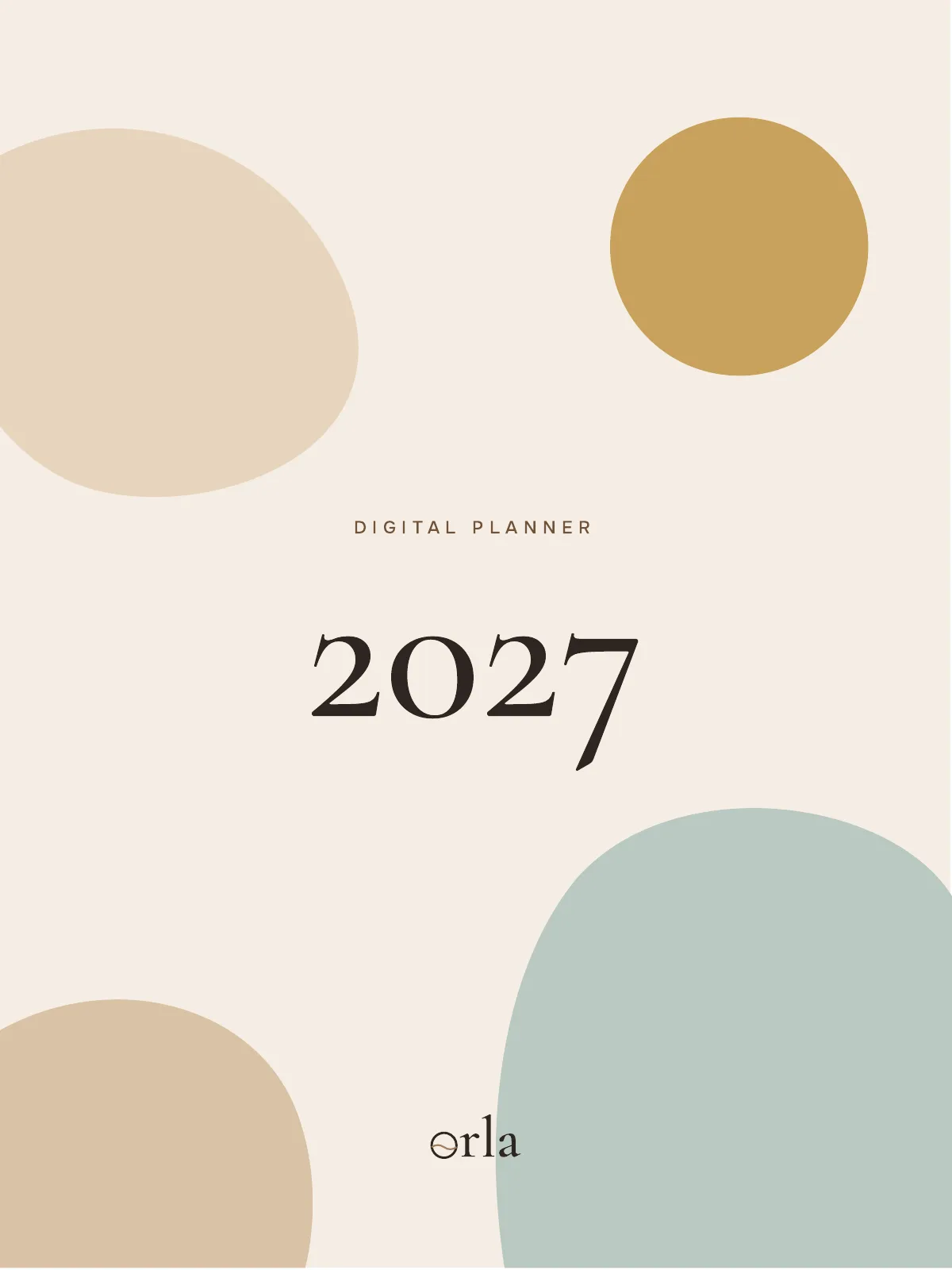
Digital Planner 2027
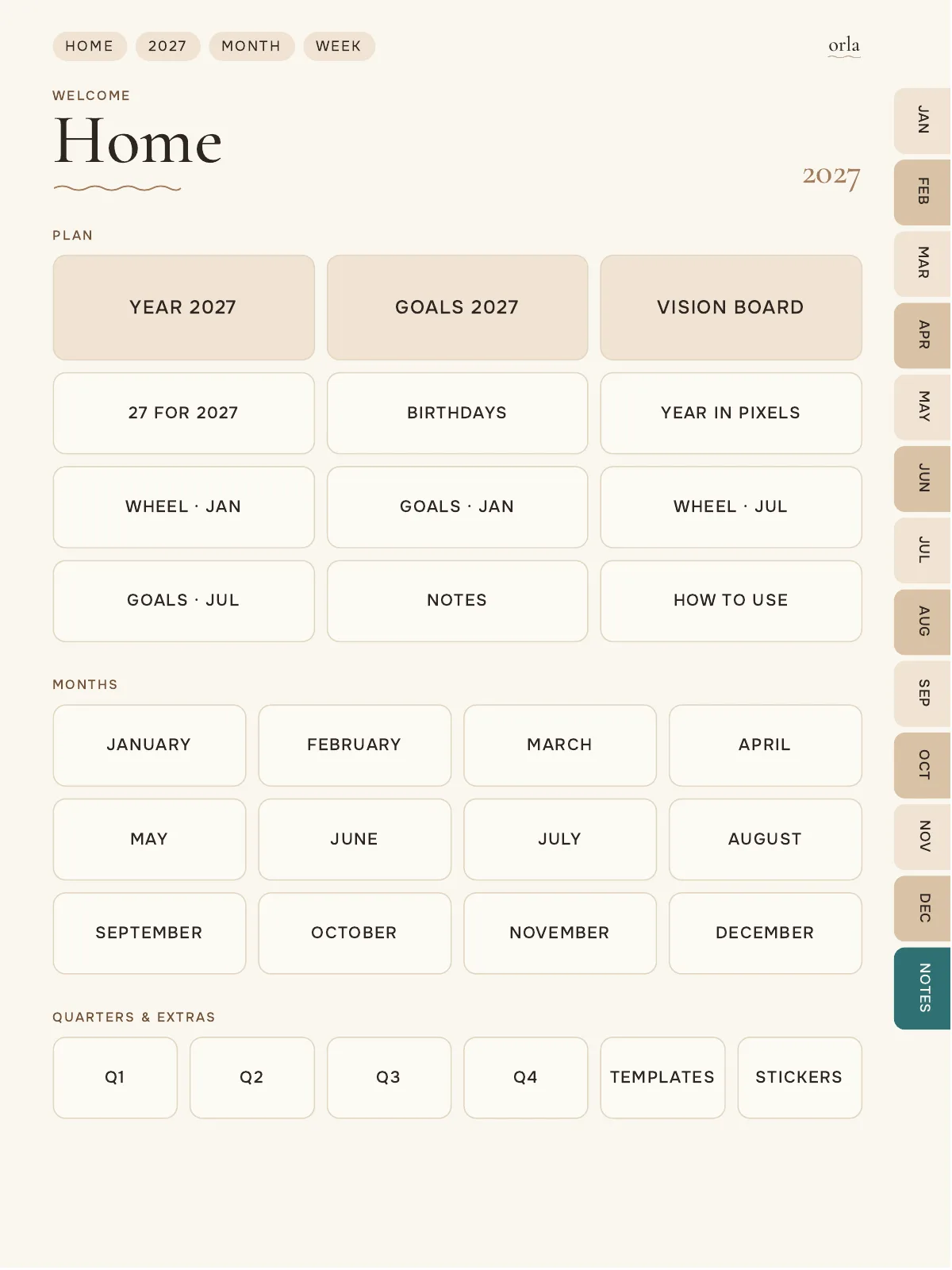
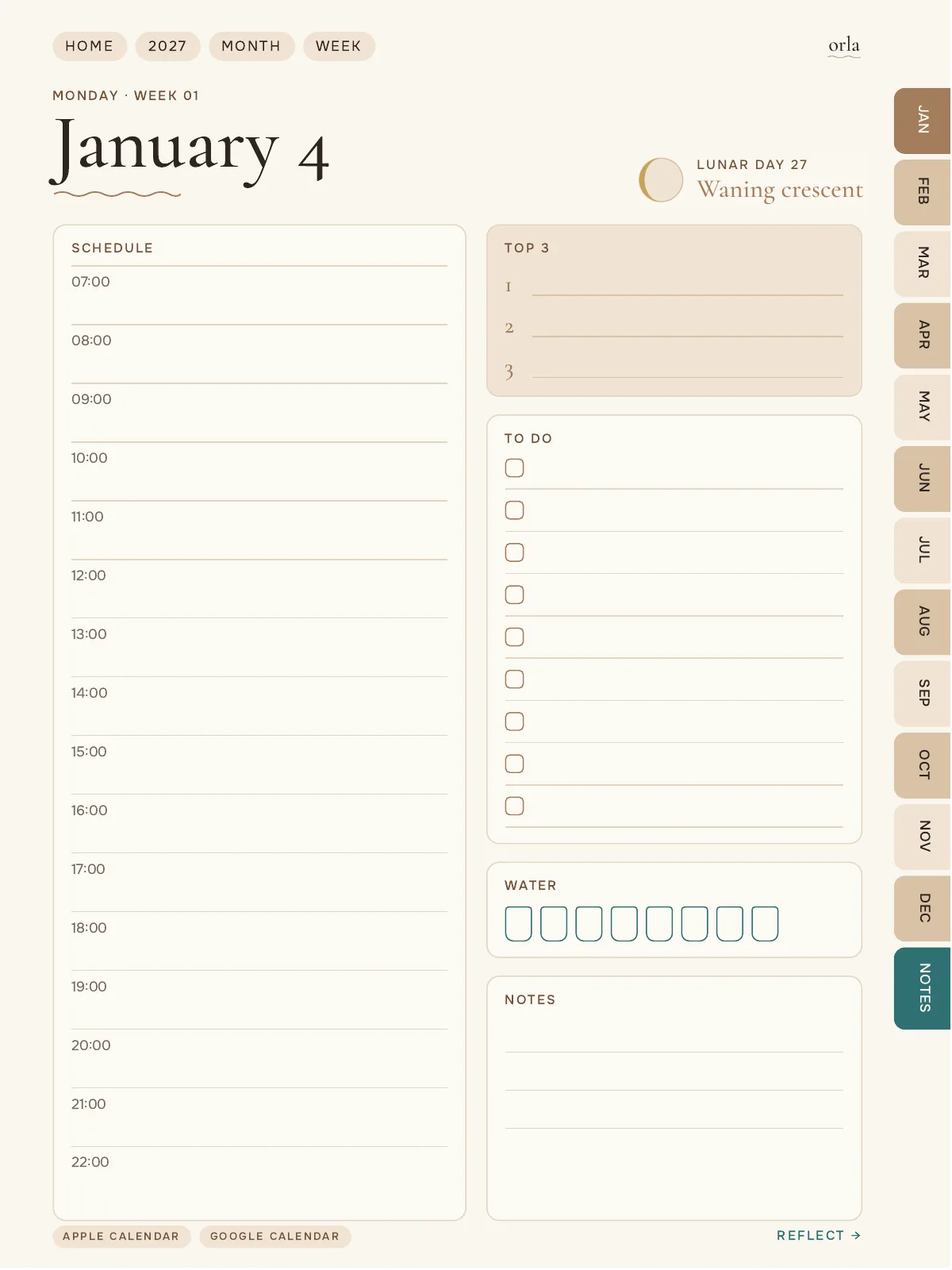
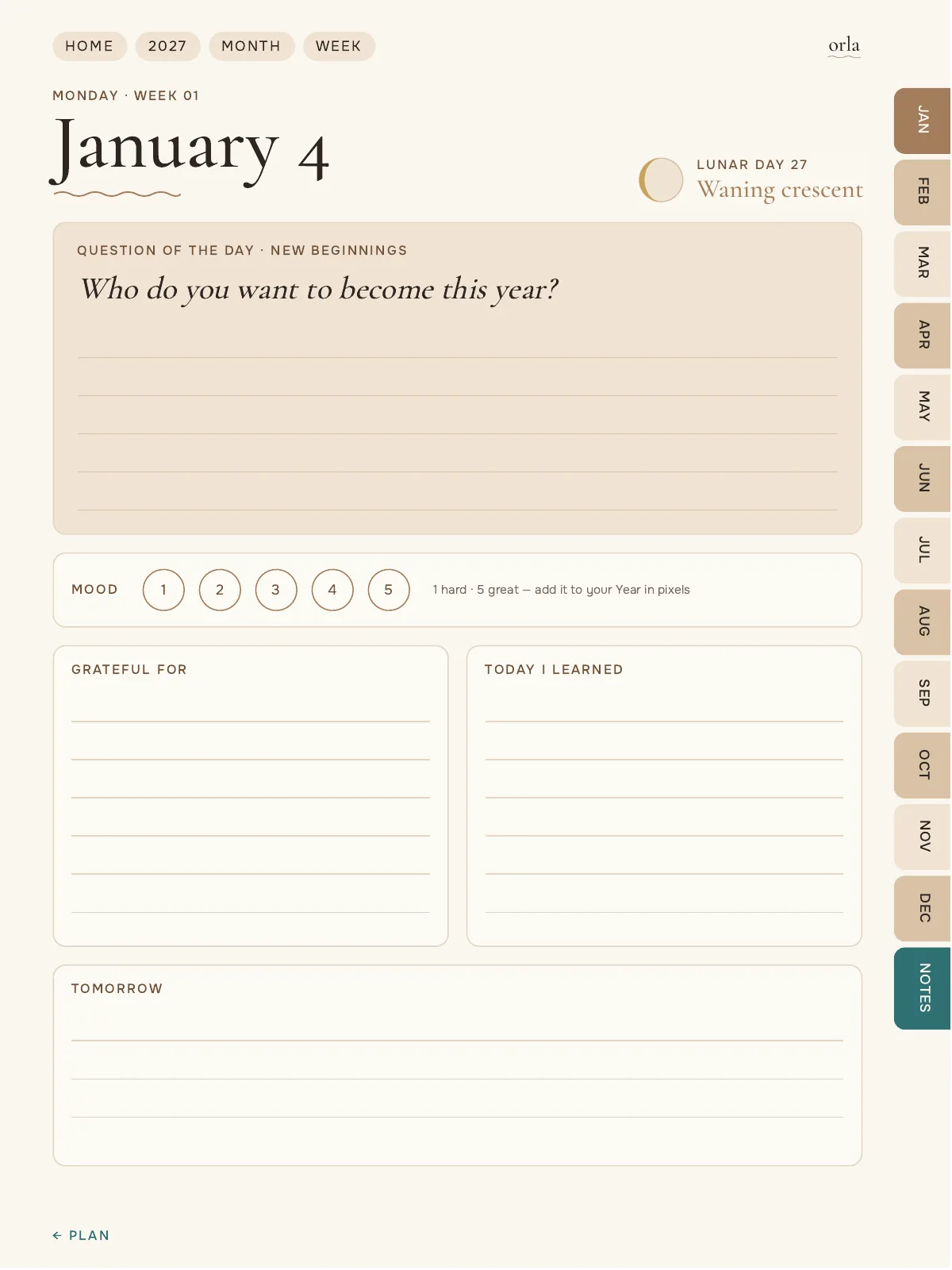
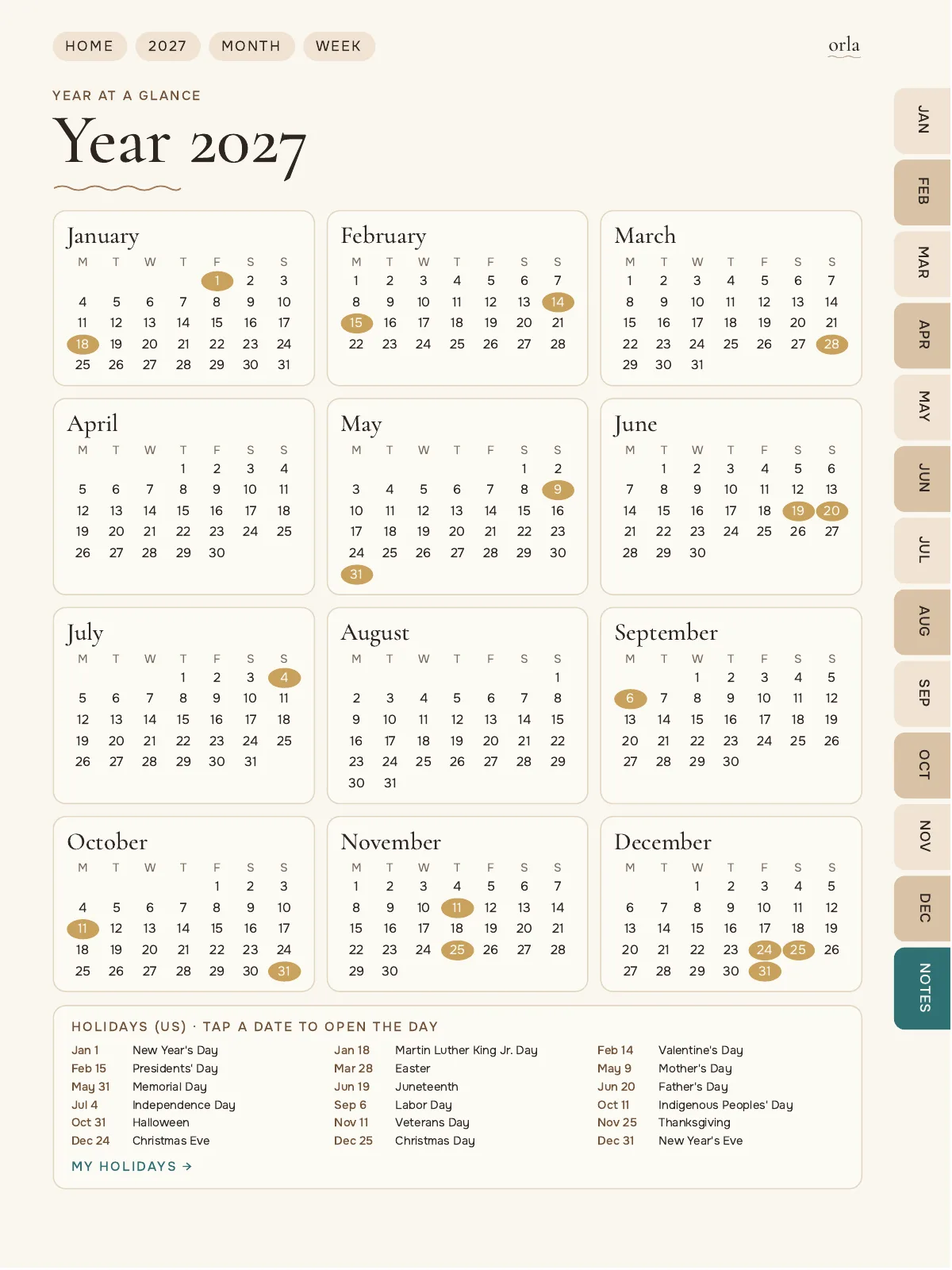
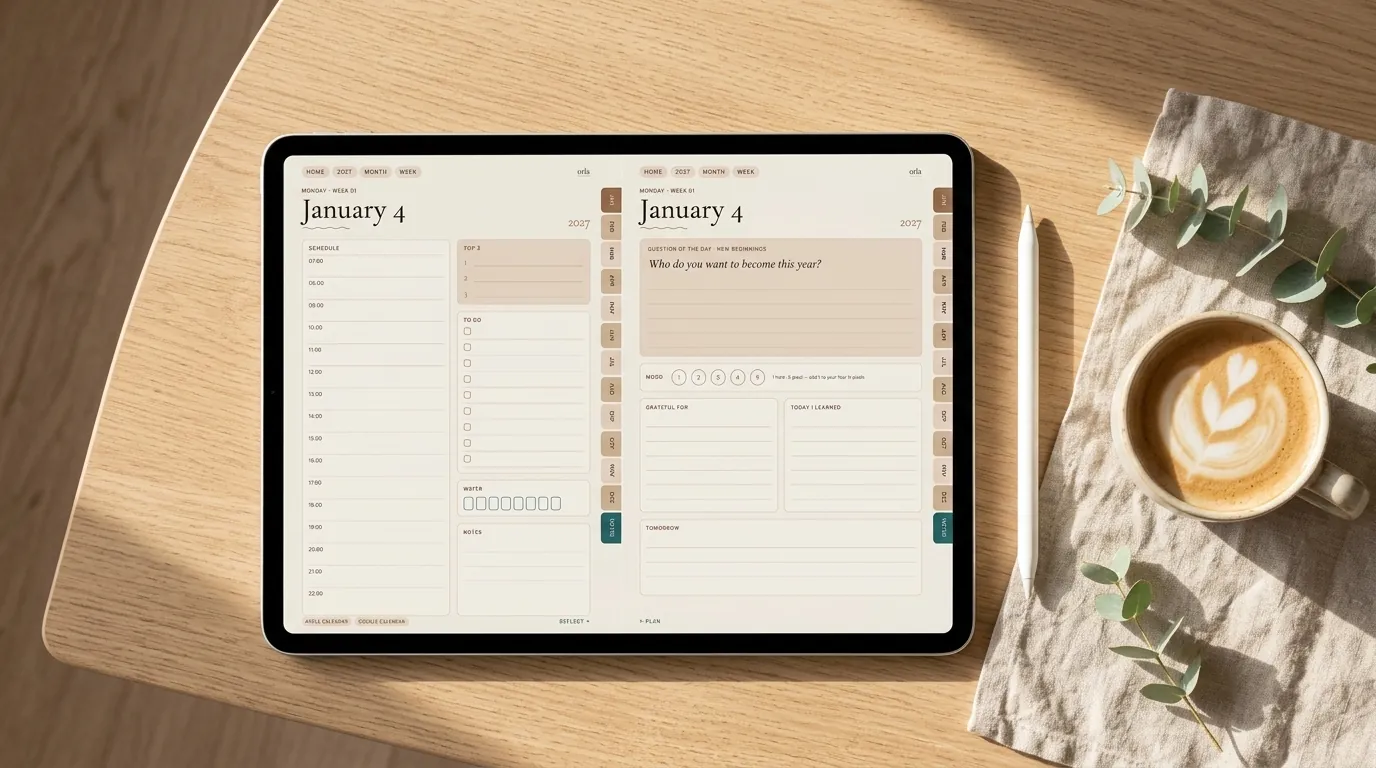
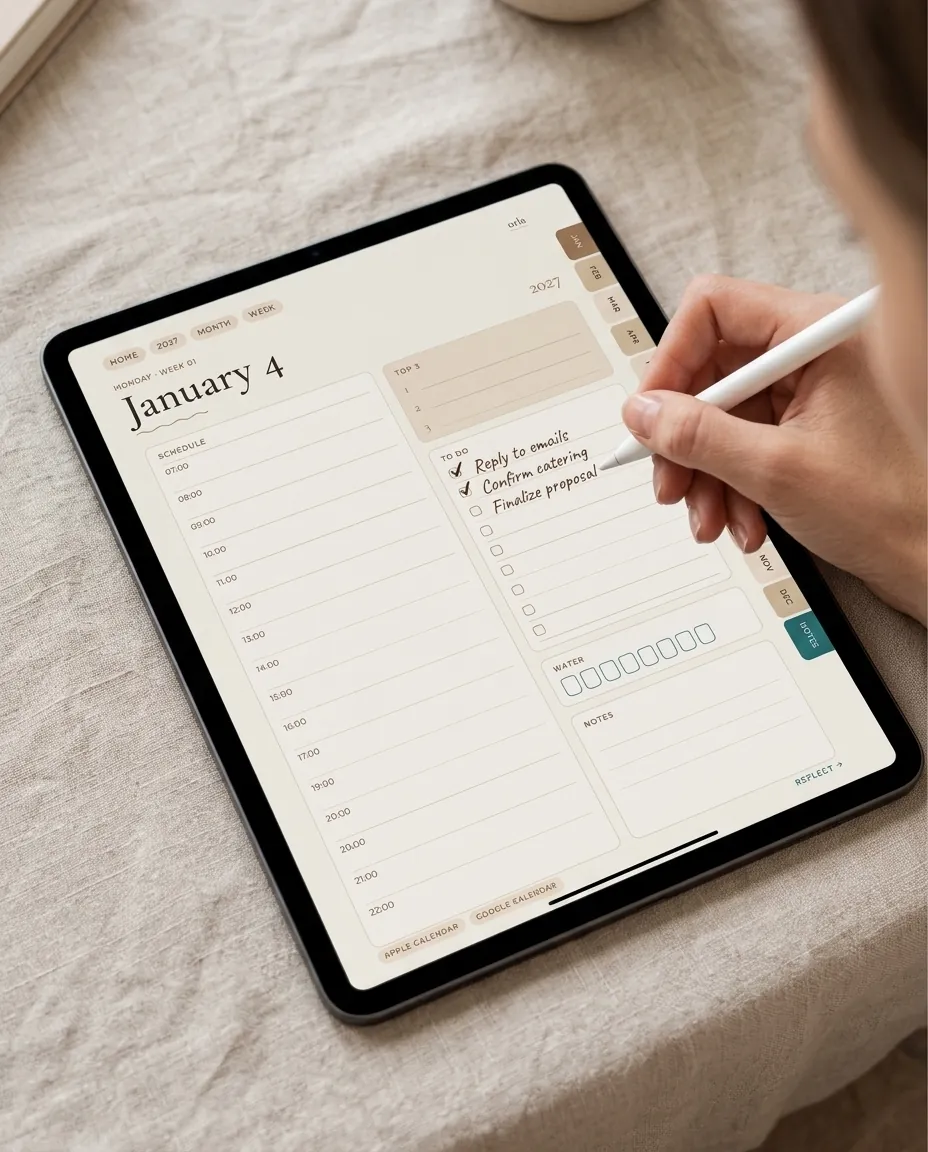
A full year in one calm, linked file. Each day has its own spread: the plan on the left, a short reflection and a question of the day on the right. Weekly, monthly and quarterly reviews help you see the bigger picture.
- 989linked pages
- 3colors
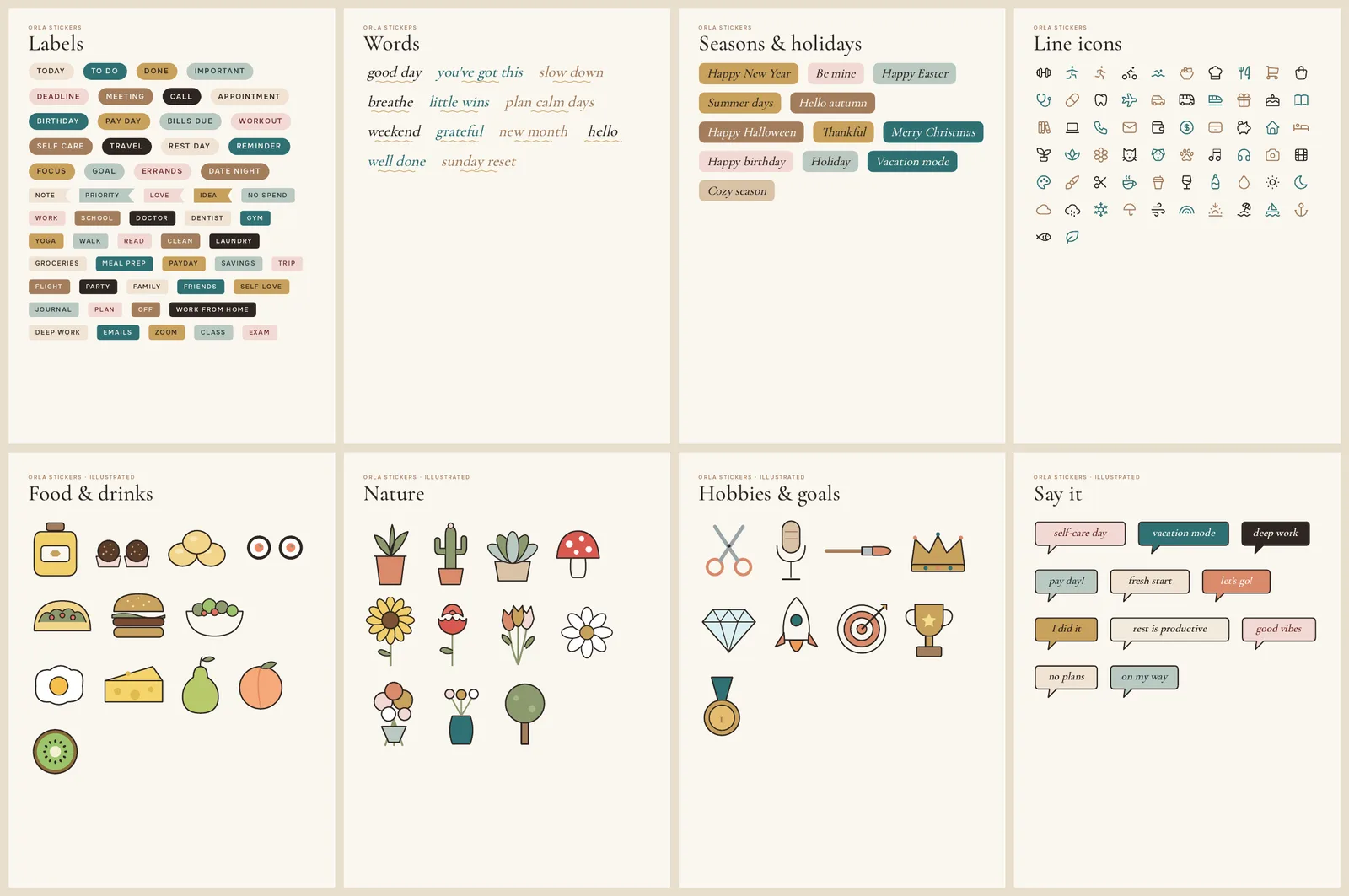
- 700stickers
- 10covers
One purchase: Latte, Rose and Sage, each with a Monday-start and a Sunday-start version. Color, week start and cover →
$6.99
Buy nowSecure checkout via Hotmart. Instant download after payment.
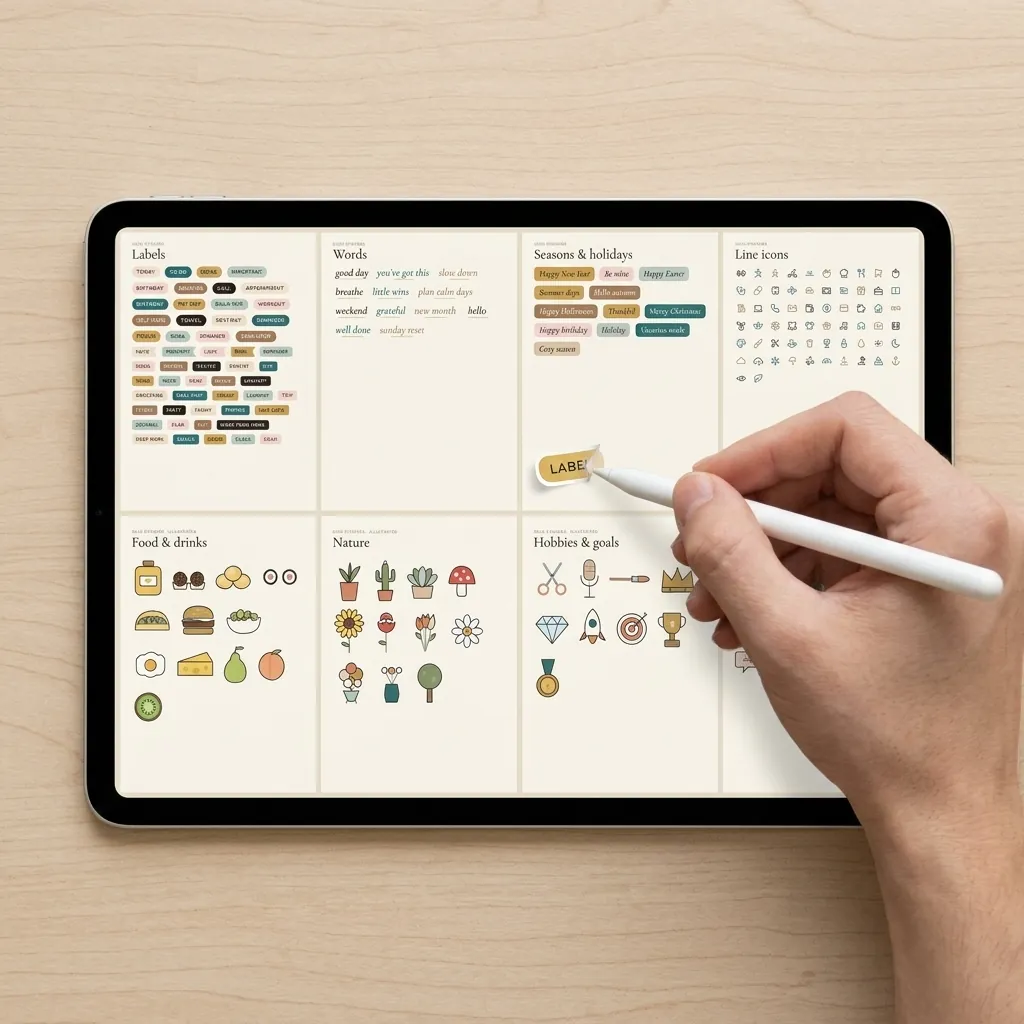
In real life
Calm pages for real days
Make it yours
Color, week start and cover
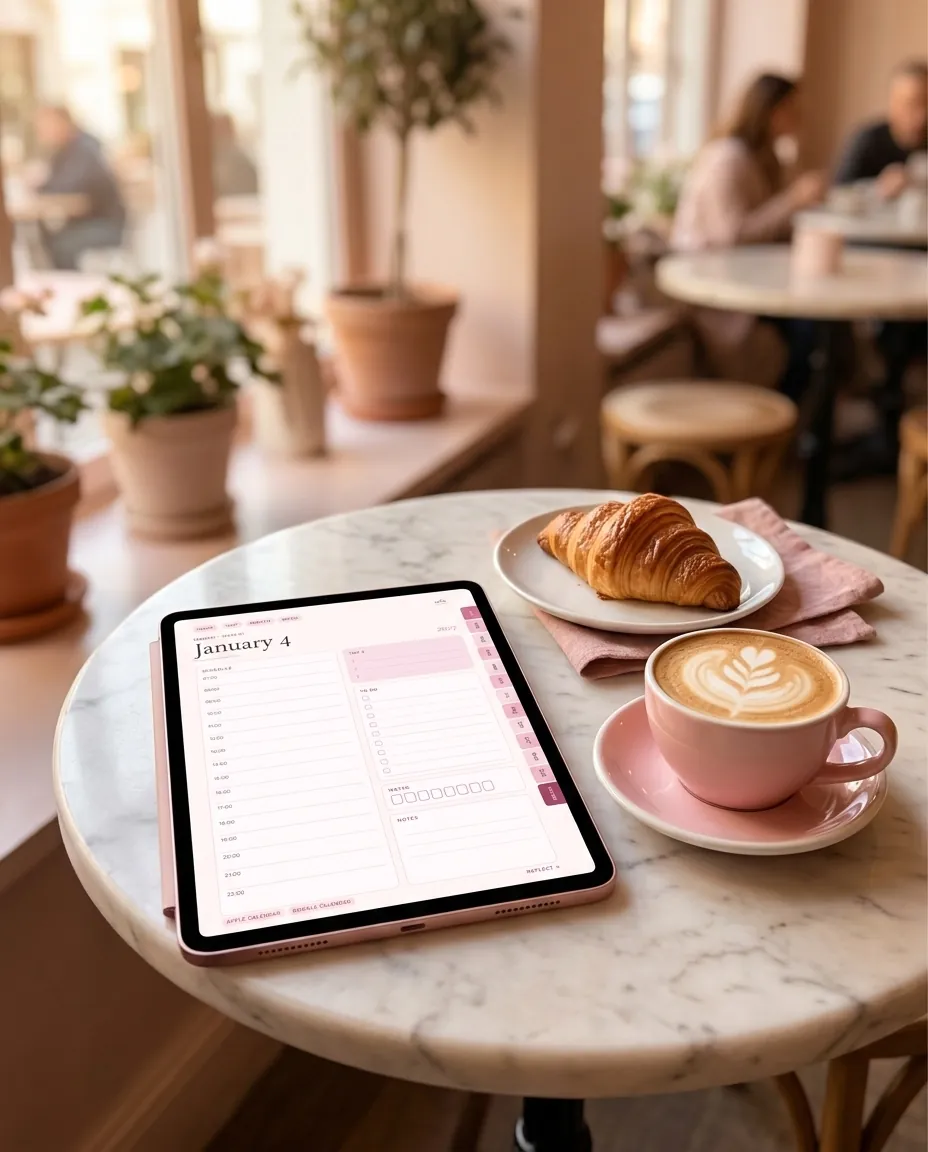
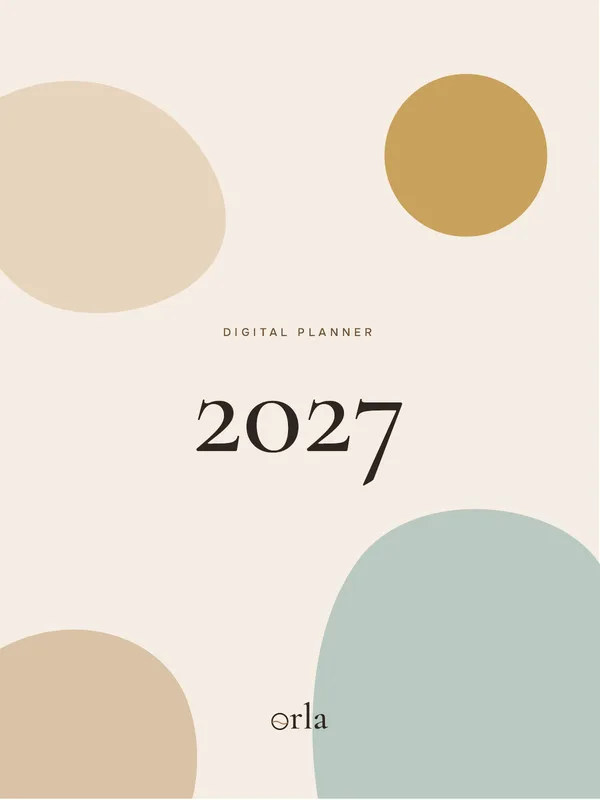
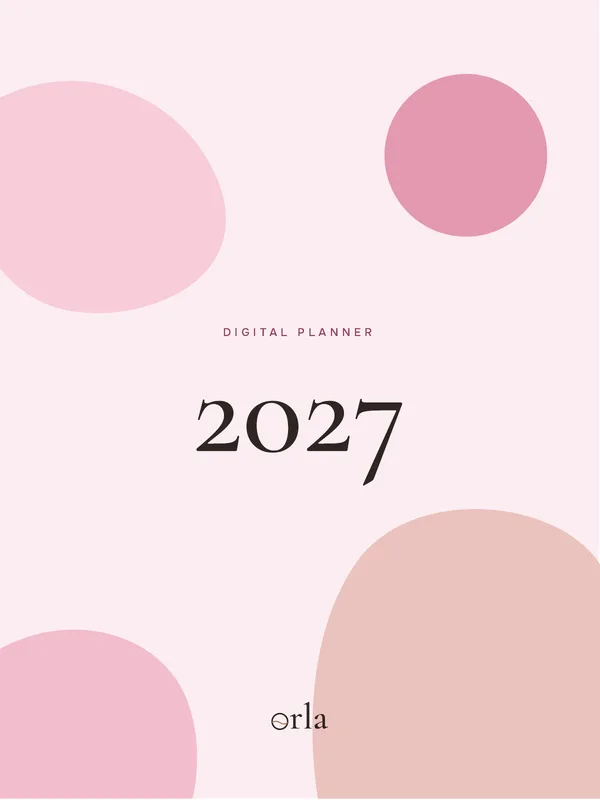
Three colors
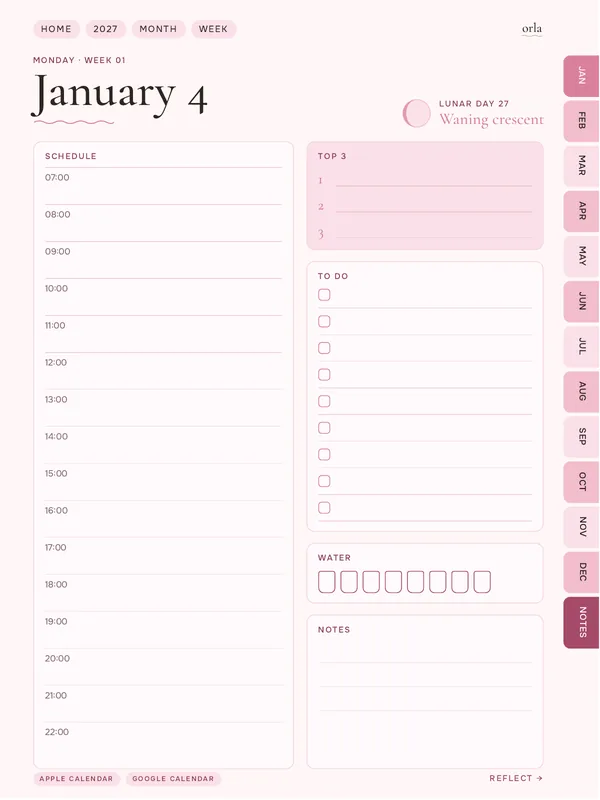
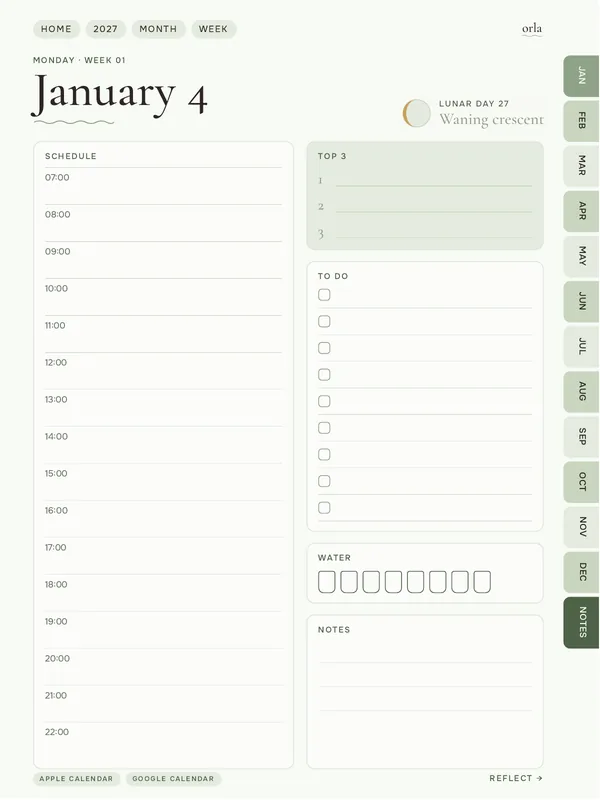
The same 989-page planner in three palettes. Pages, links and stickers are identical; only the colors change. Choose the one you like.
Monday or Sunday
Both versions come with every purchase. Start with the one that fits your week — you can switch at any time.
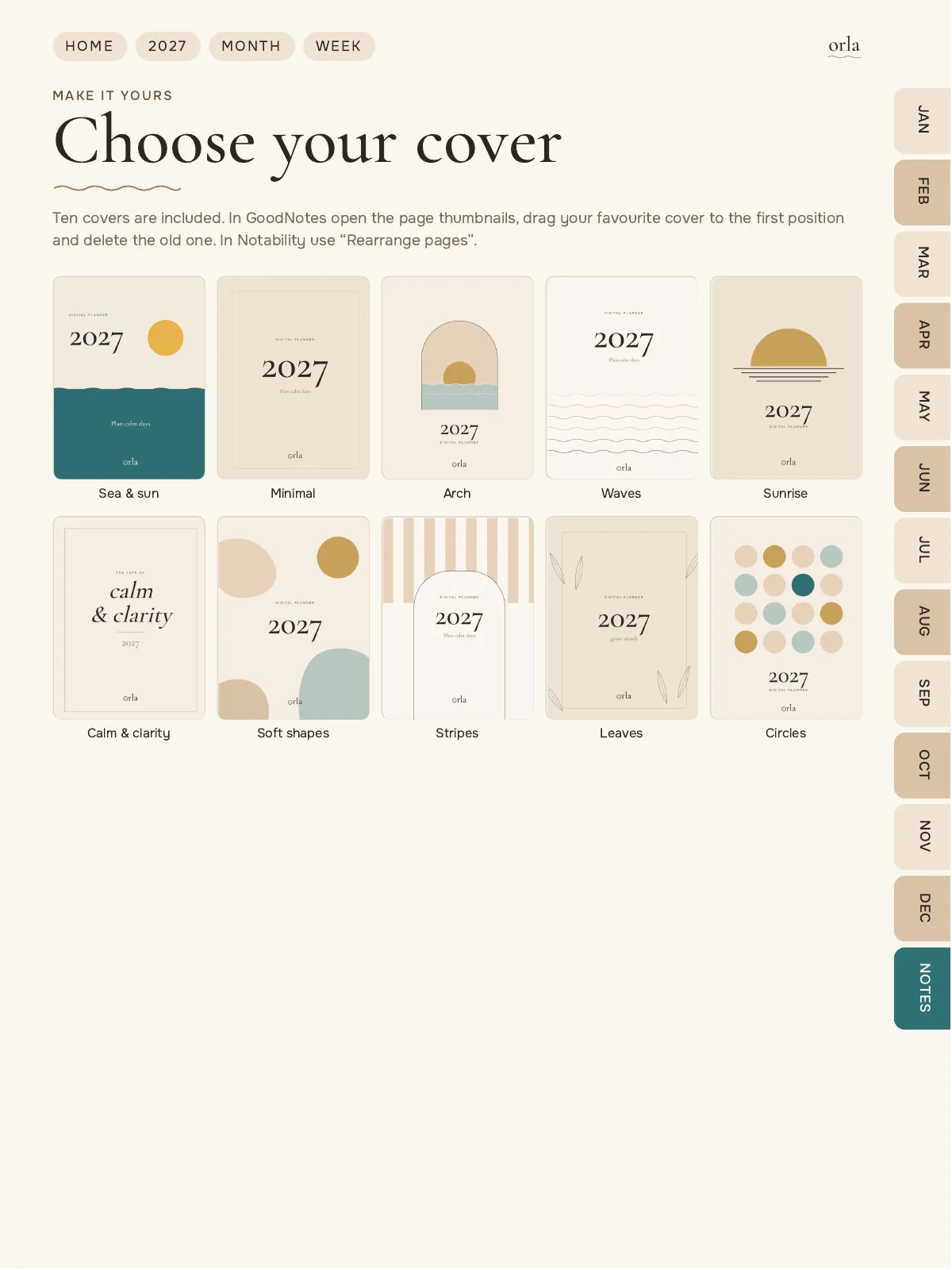
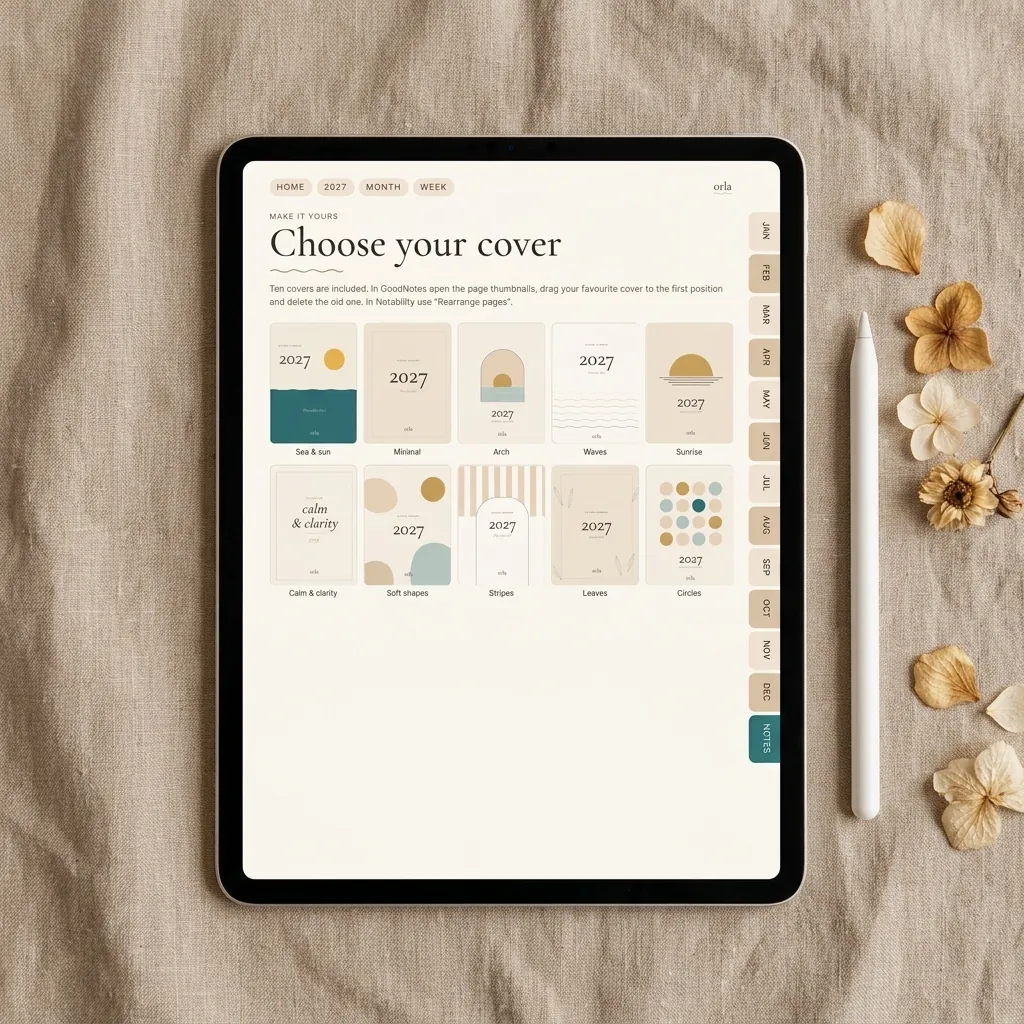
Ten covers
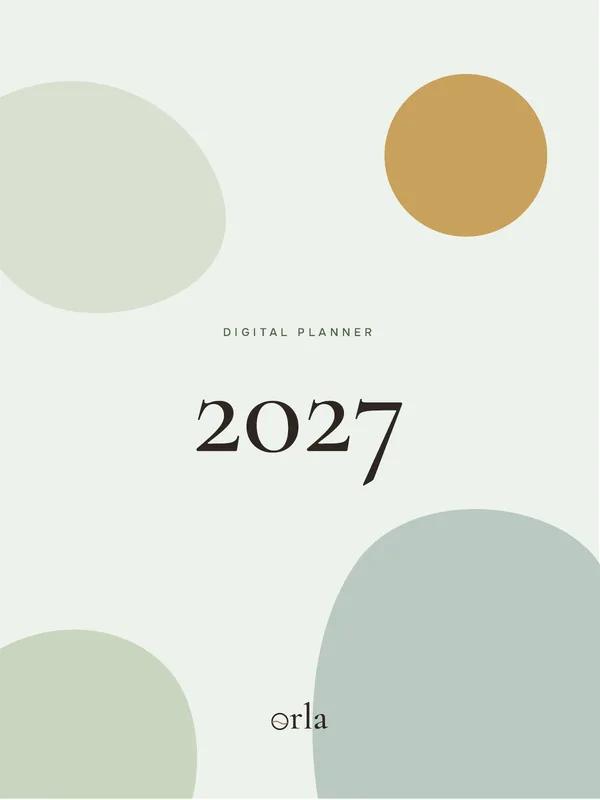
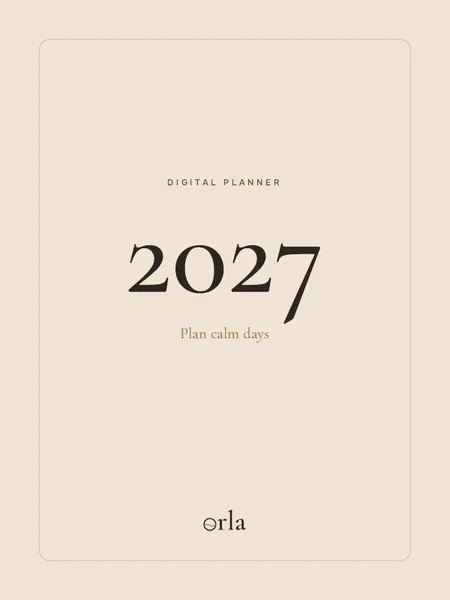
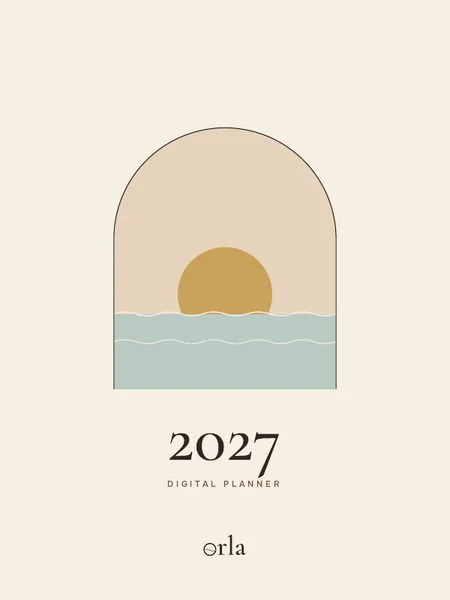
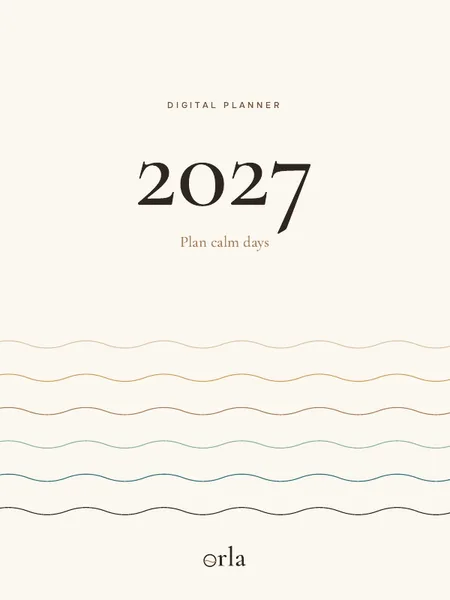
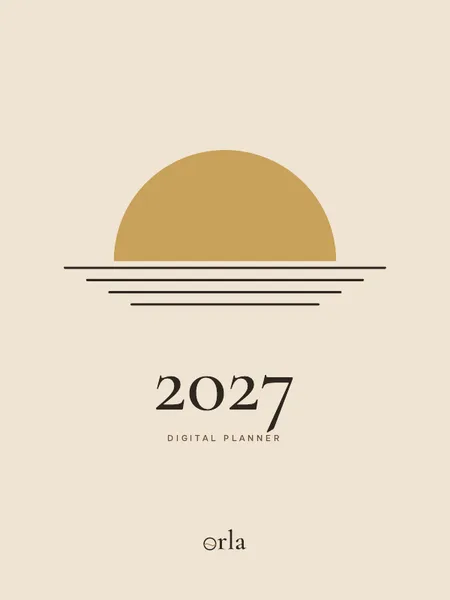
All ten covers are inside the planner, in your color. Pick one and move it to the front — it takes a minute.
How to change the cover →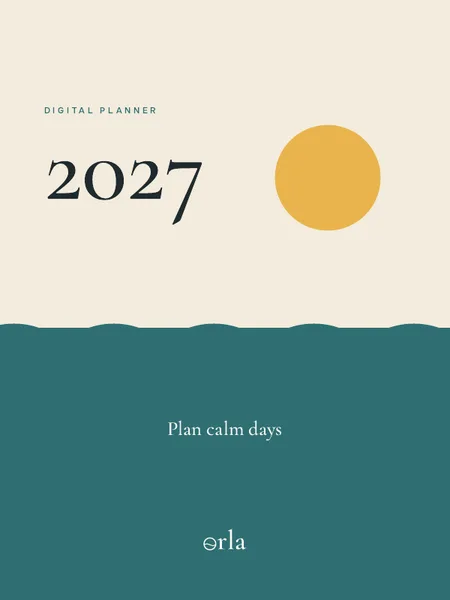
Why Orla
Quiet design, careful structure
-
01
Pages that link in one tap
Tabs, calendars and buttons take you from the year to a single day and back.
-
02
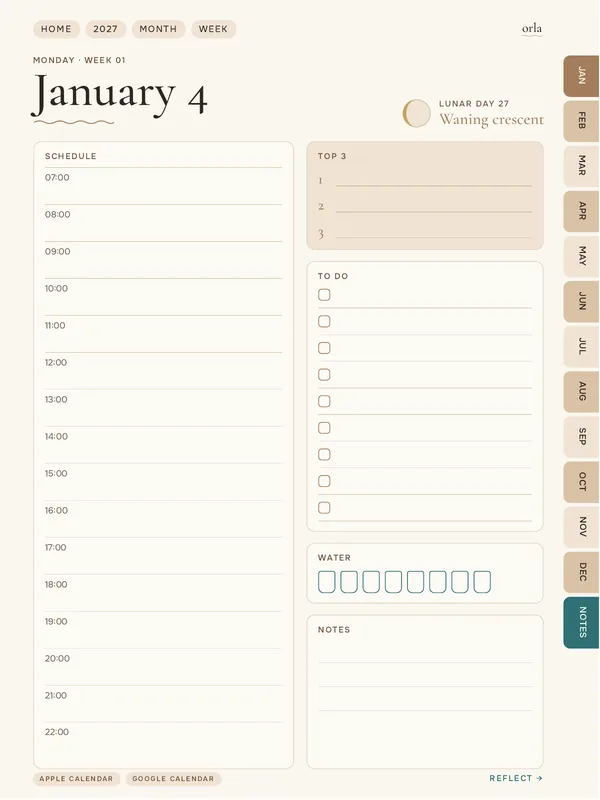
A spread for every day
Plan on the left page, reflect on the right, with a question for each day of the year.
-
03
Stickers included
700 digital stickers — labels, icons and illustrations — are inside the planner at no extra cost.
-
04
Fair, simple prices
One clear price per item. No inflated “was” prices and no countdown timers.
What's inside
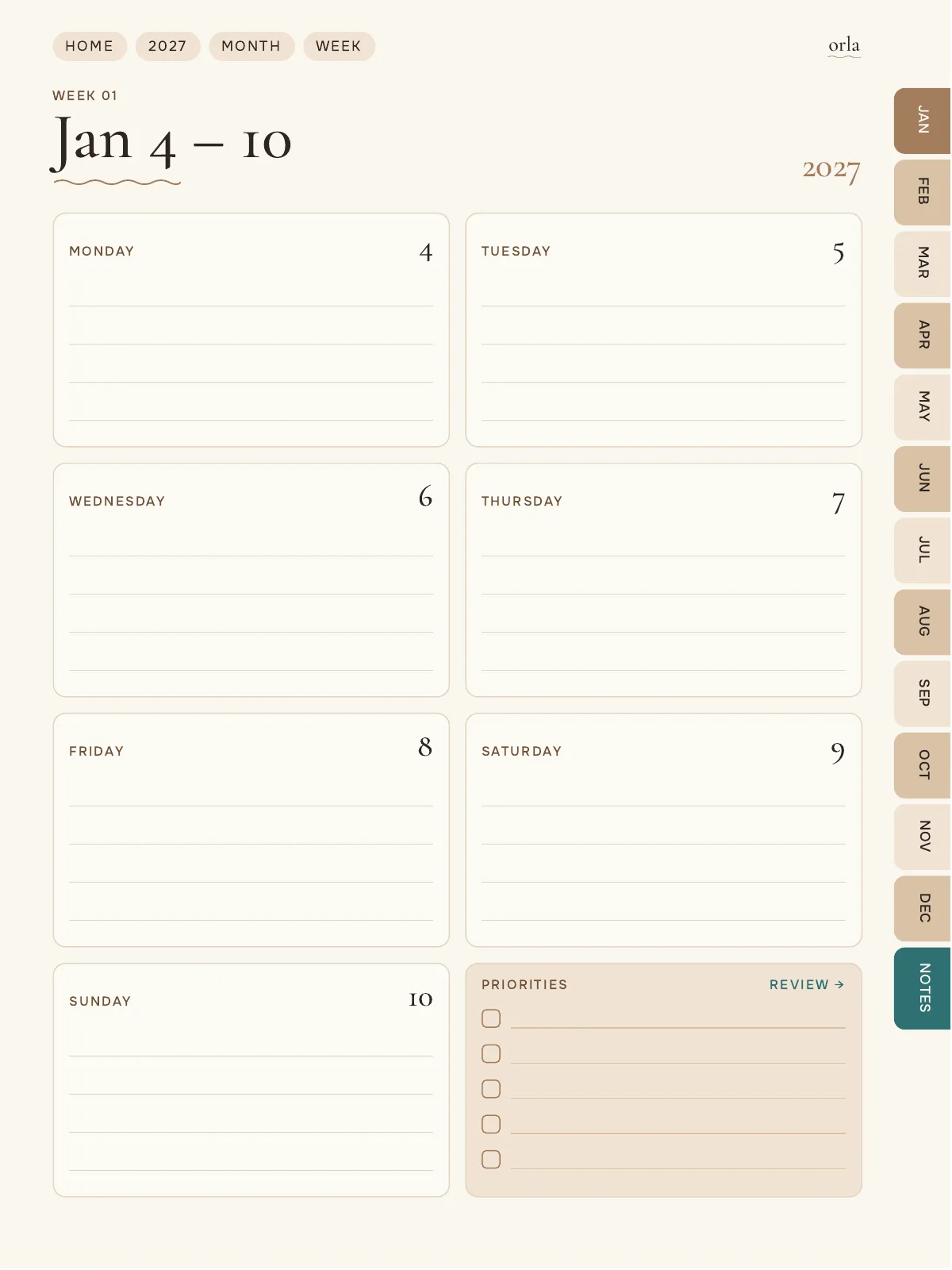
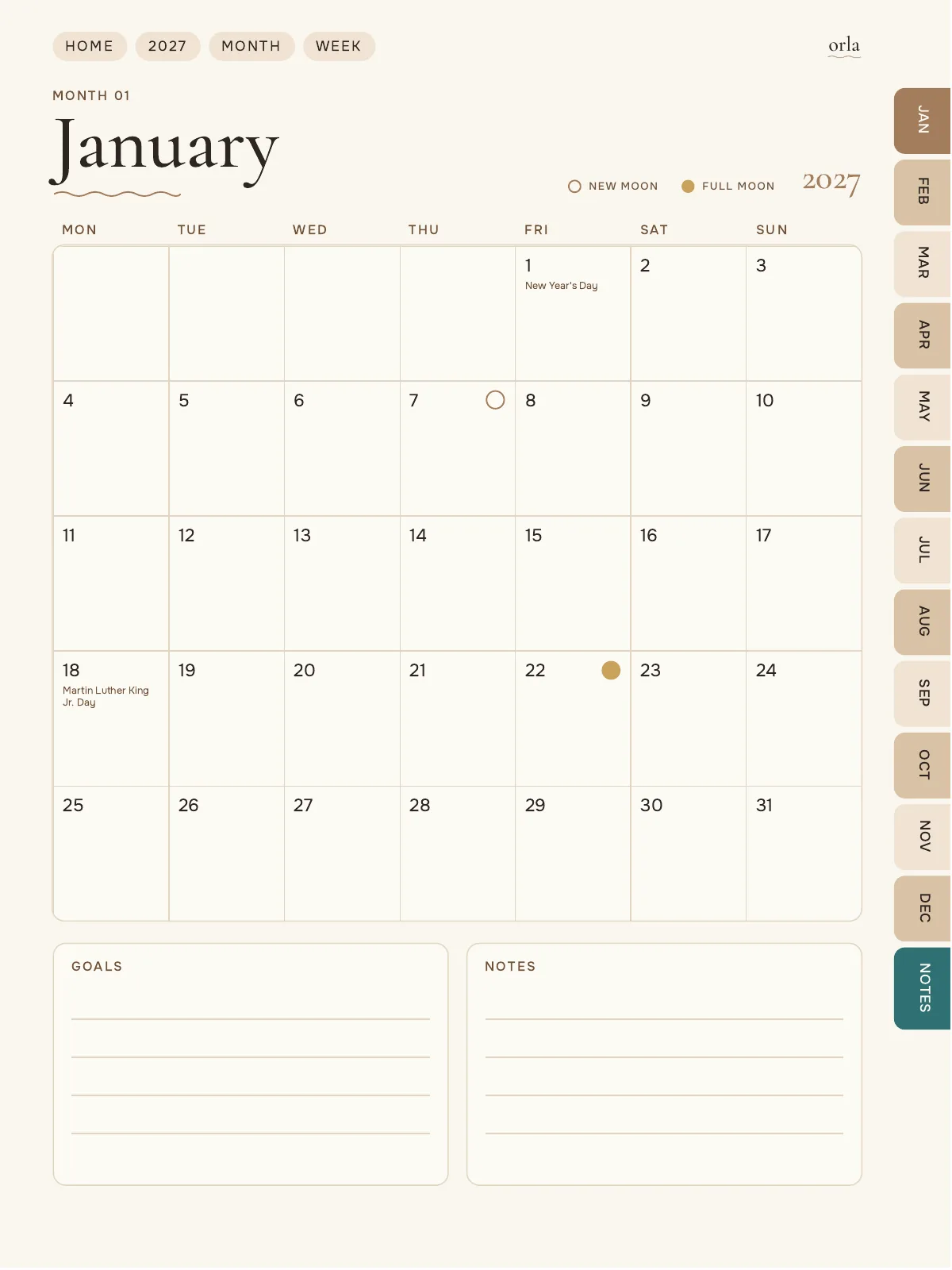
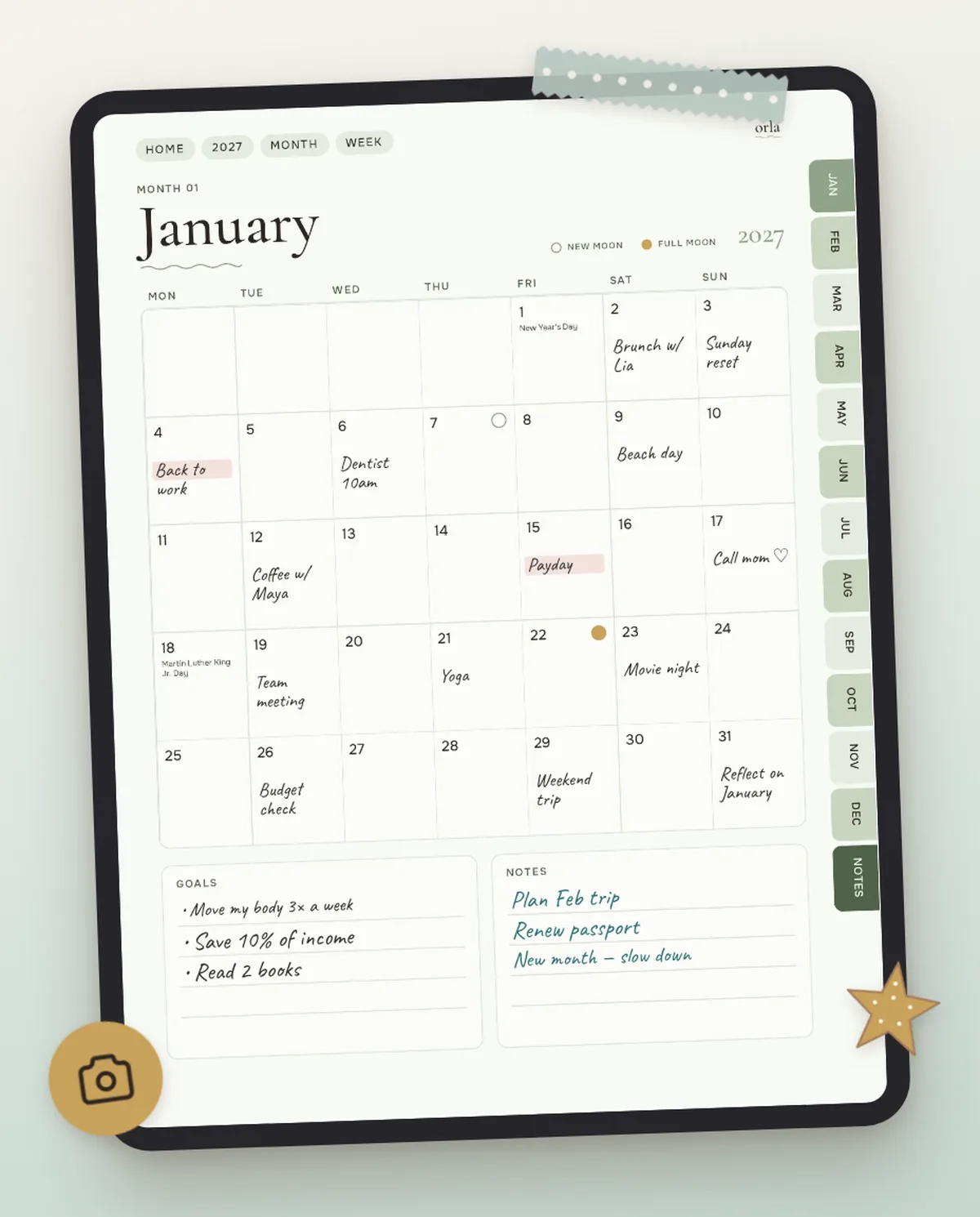
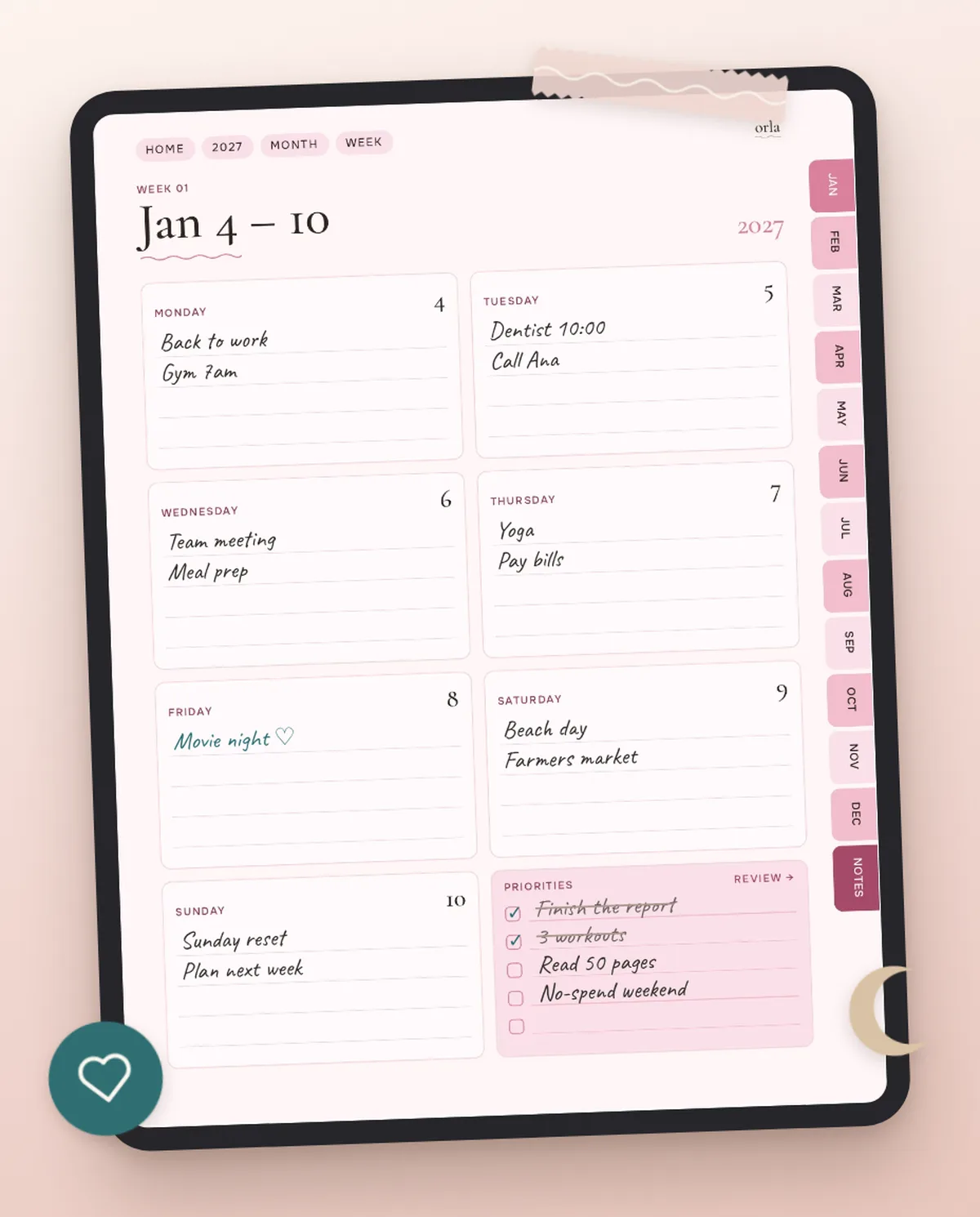
- Year, quarter, month and week overviews
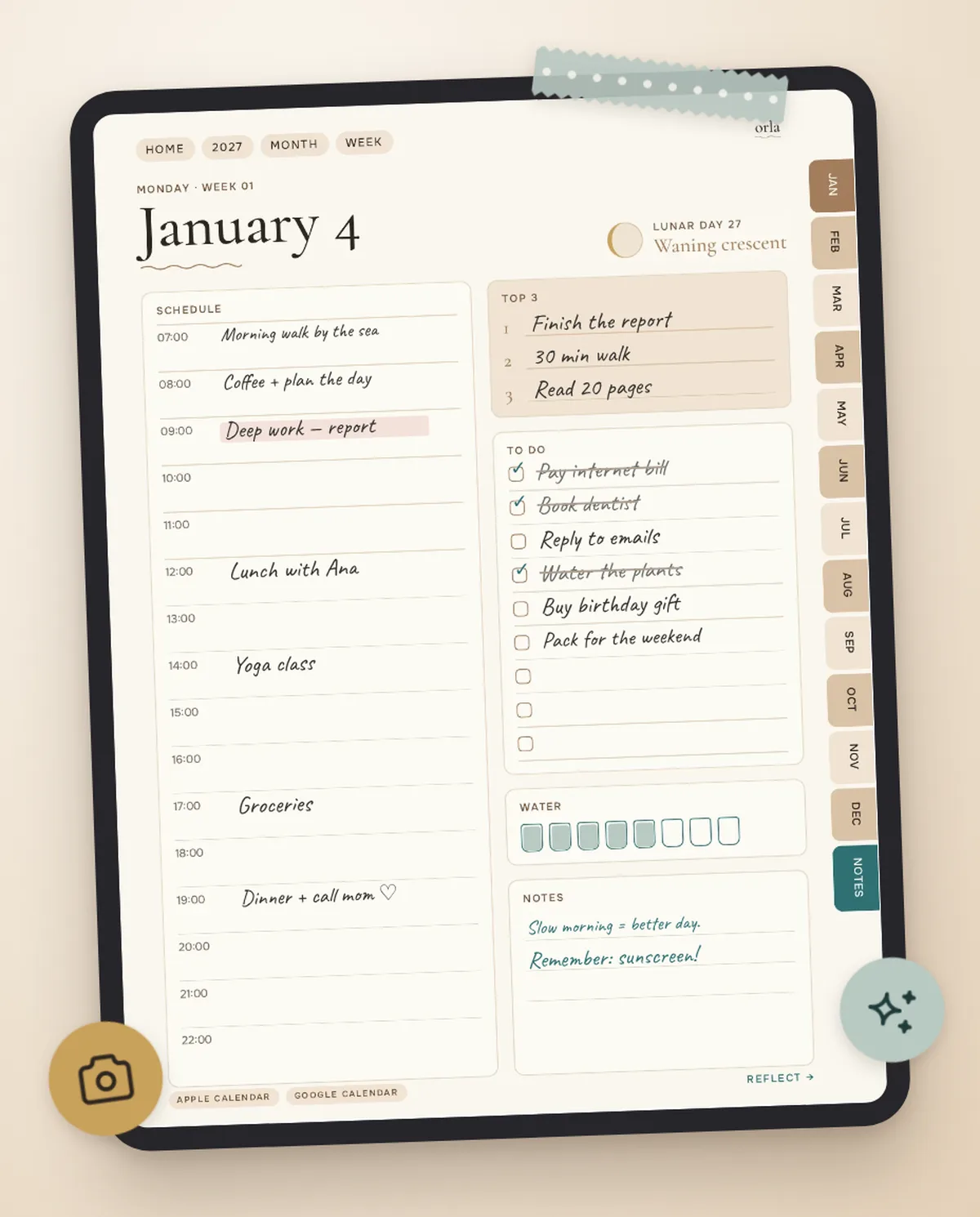
- A two-page spread for every day: plan, top 3, schedule, water — then reflection and a question of the day
- Moon phase and lunar day on every daily spread
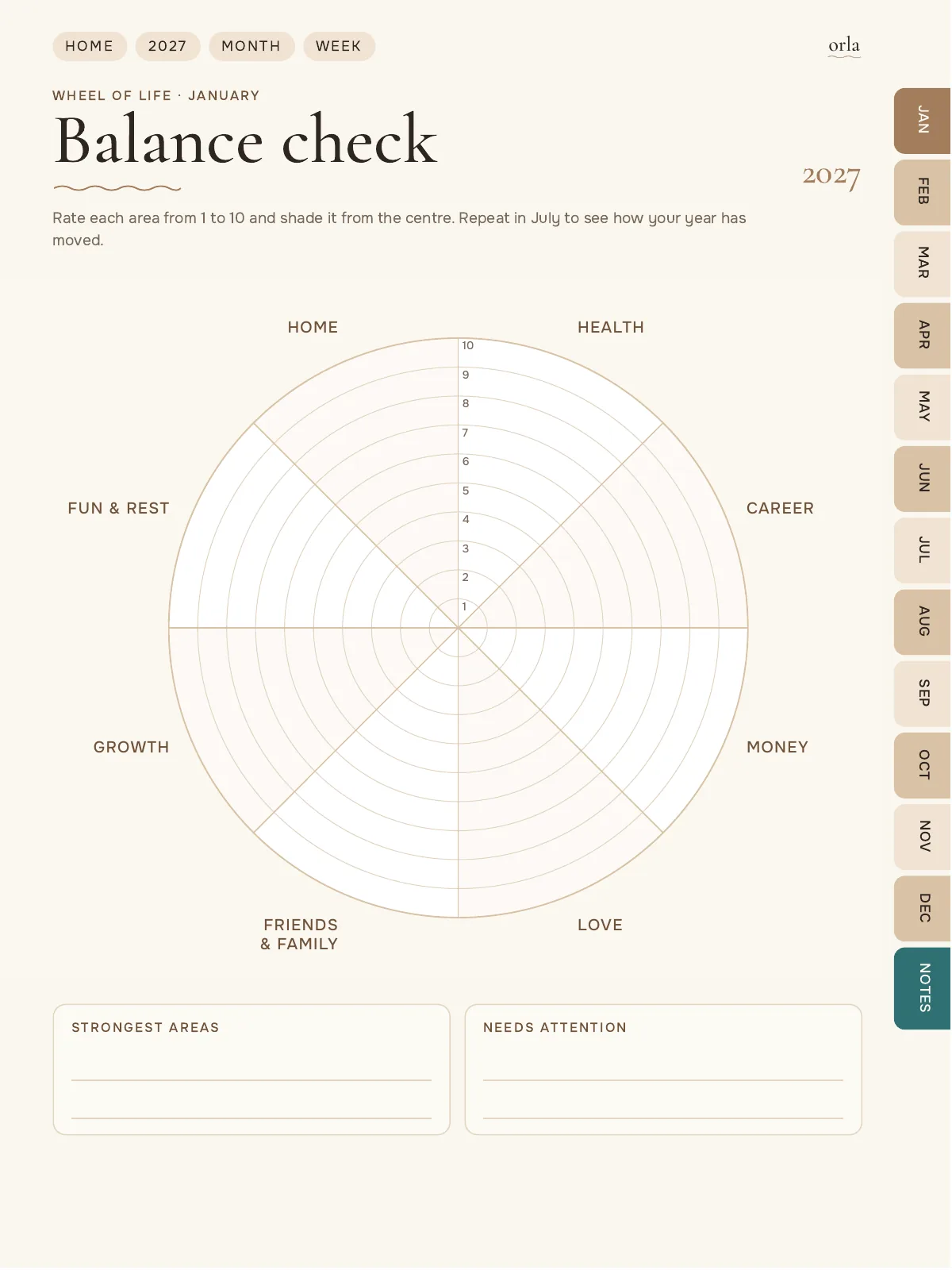
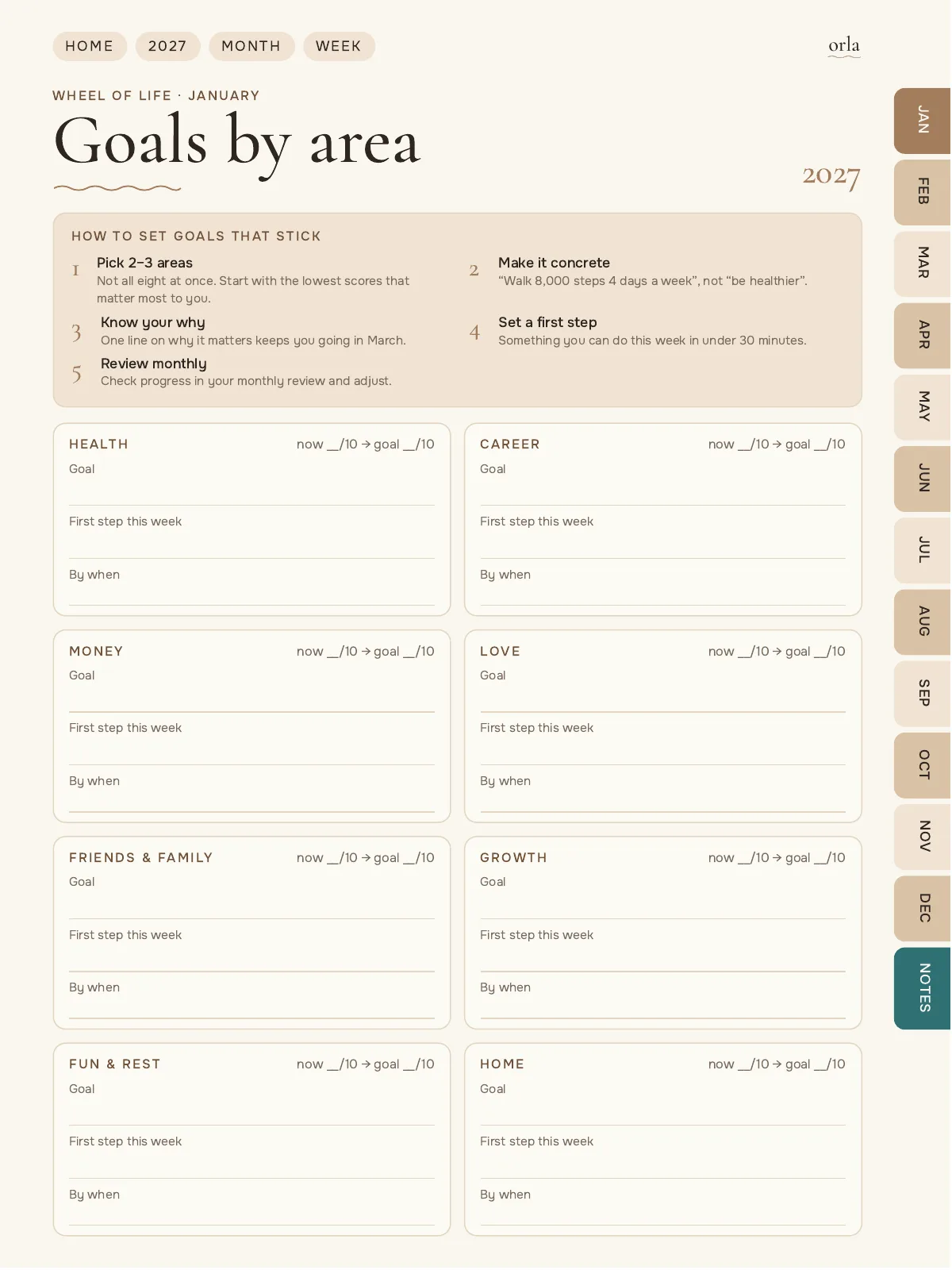
- Wheel of life and goal setting
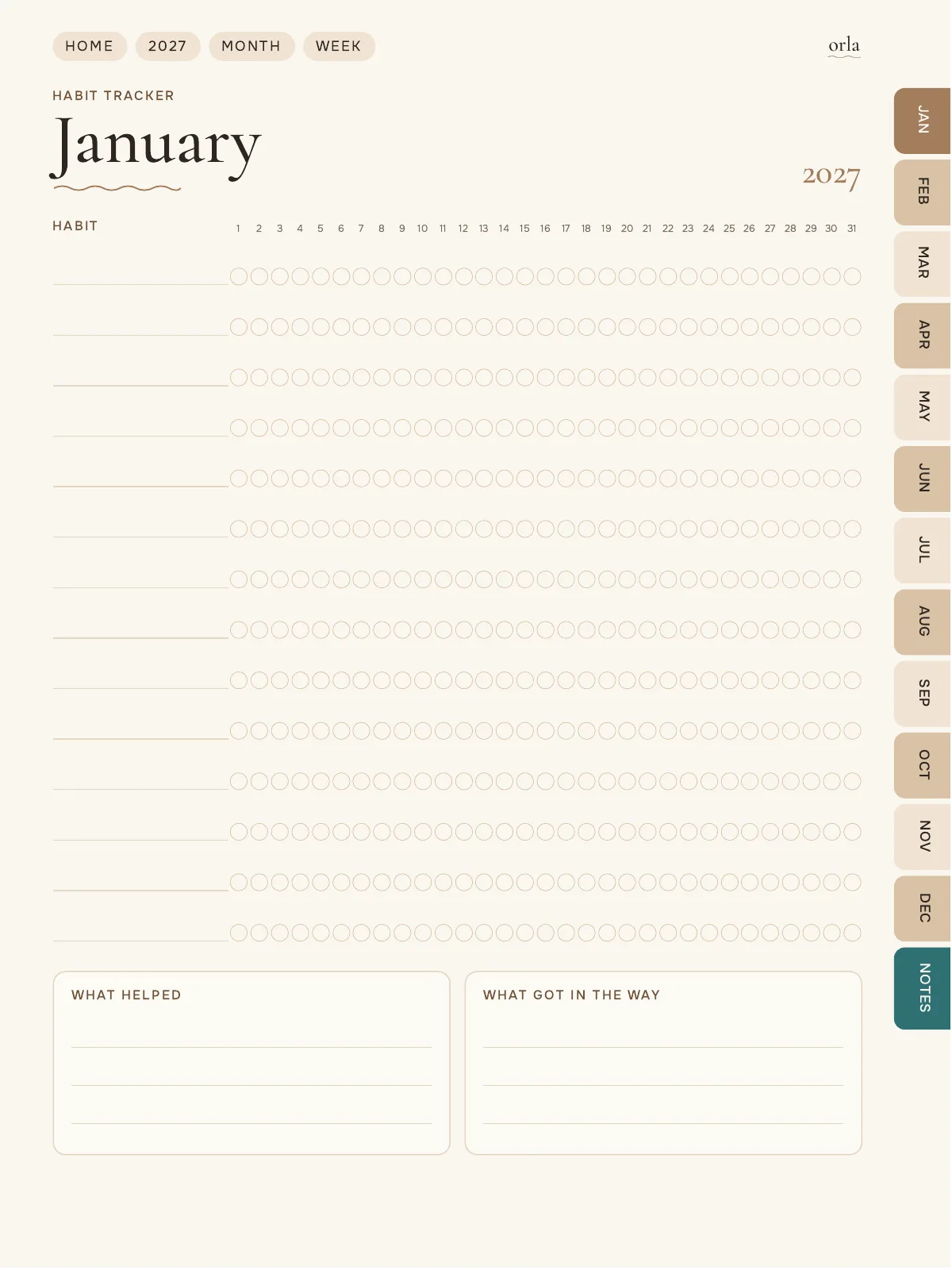
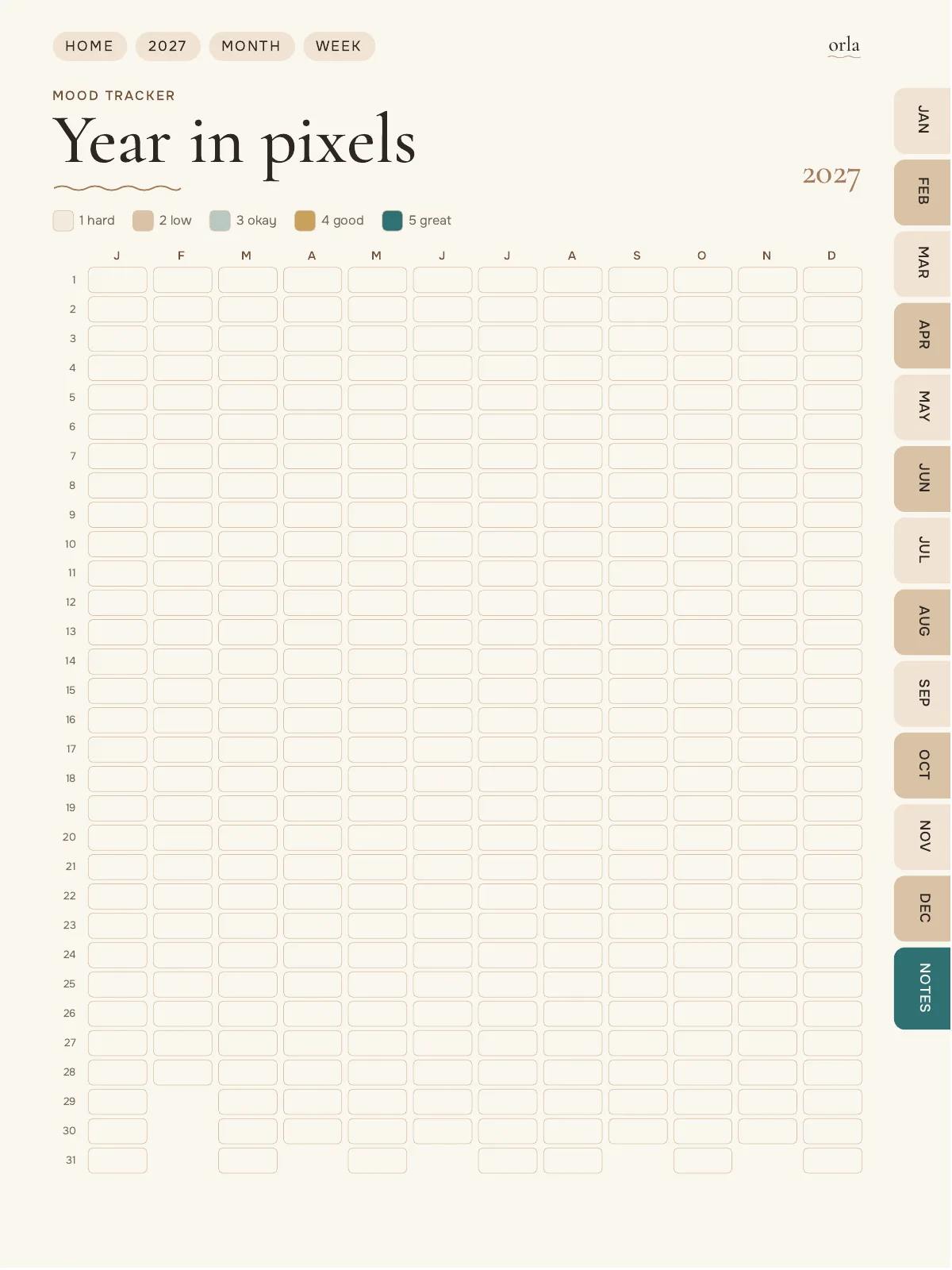
- Habit, mood and year-in-pixels trackers
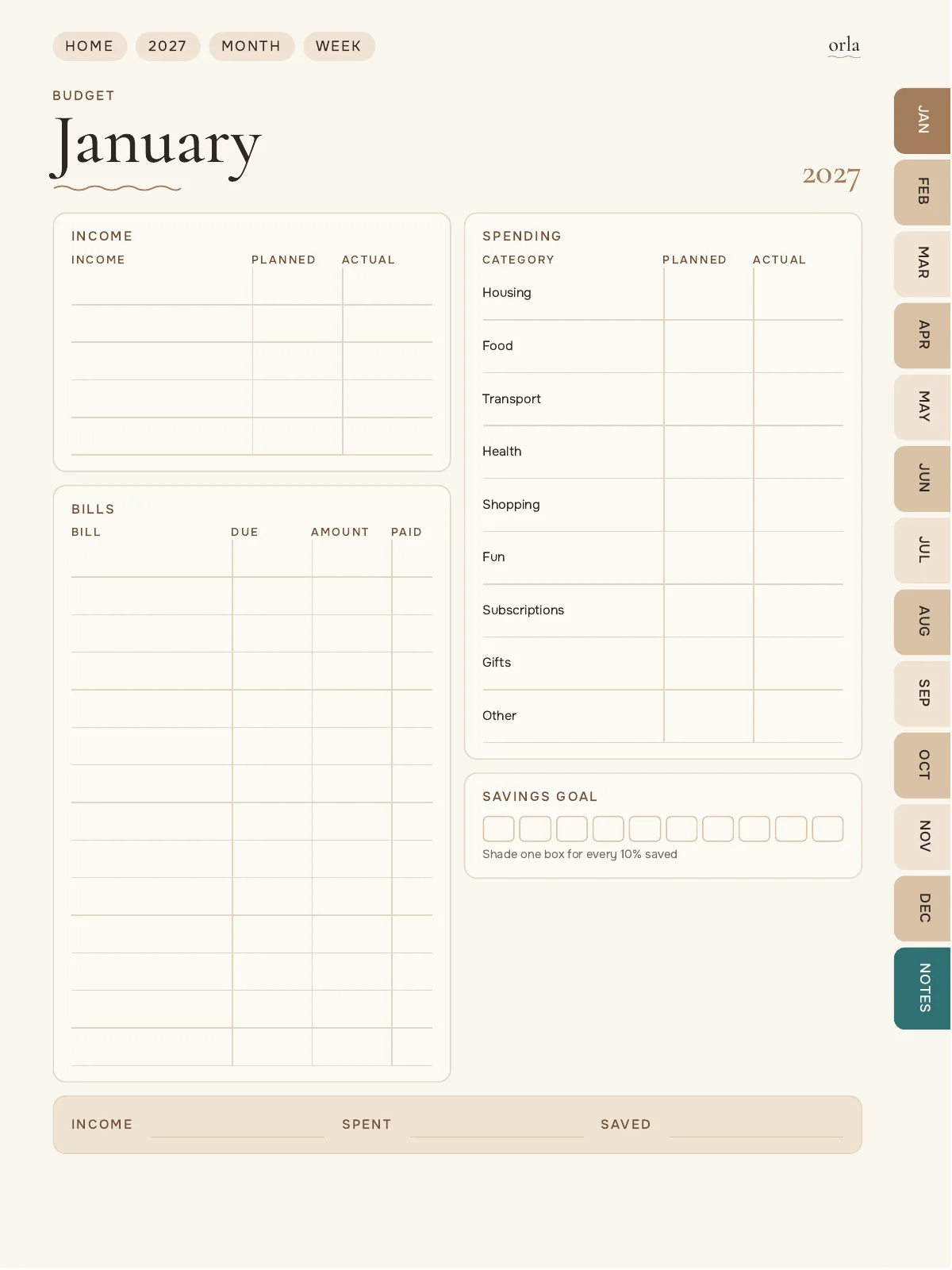
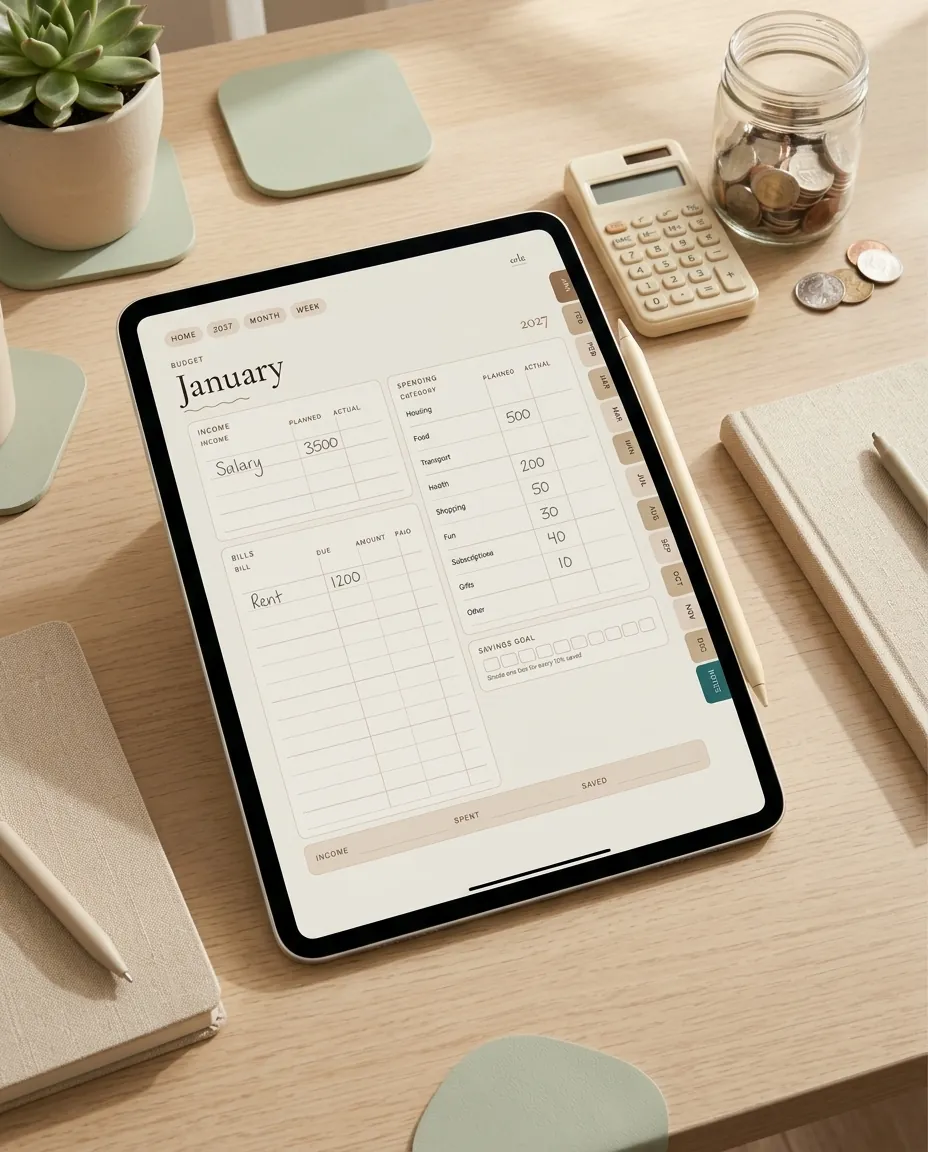
- Monthly budget pages
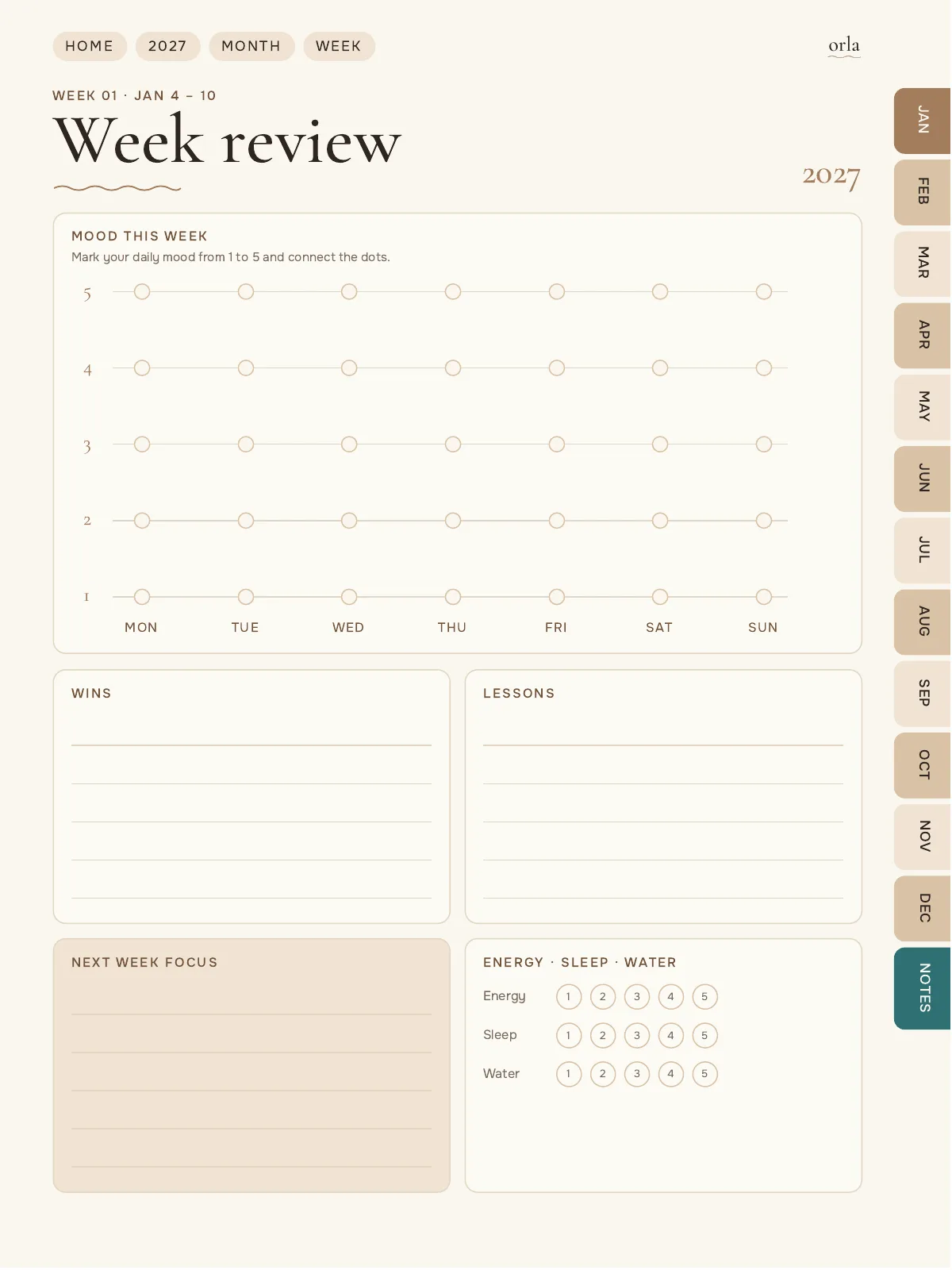
- Weekly, monthly and quarterly reviews
- 12 extra templates: brain dump, reading list, travel planner, packing list and more
- Buttons that open Apple Calendar and Google Calendar
- 700 stickers on 37 pages: labels, words, icons and illustrations
Works with
iPad
GoodNotes, Notability, Noteshelf and other PDF apps that support links.
Android tablets
Samsung Notes, Noteshelf, Xodo and other PDF apps with link support.
Not supported
OneNote opens the file, but the links do not work.
What you get
- 6 planner PDFs: Latte, Rose and Sage — each with Monday and Sunday start
- A short guide (PDF)
- 700 stickers on 37 pages at the end of each planner
- 10 covers inside the planner
- A “Start here” page with setup steps
FAQ
Questions
Is this a physical product?
No. It is a digital file. Nothing will be shipped. You download it right after payment.
Do I need a specific app?
Any PDF note-taking app that supports hyperlinks. GoodNotes and Notability on iPad are the most common choices.
Do the links work in GoodNotes?
Yes. Tap the pen icon to switch to read-only mode, then tap a tab or button. In Notability, deselect the pen tool.
Which color should I choose?
You get all three: Latte (warm beige), Rose (soft pink) and Sage (calm green). Pages and links are the same — use the one you like, or switch any time.
Can I choose Monday or Sunday start?
You get both versions in the same purchase.
How do I use the stickers?
They are on the last pages of the planner — tap STICKERS on the Home page. Select a sticker with the lasso tool, copy it and paste it on any page. In GoodNotes you can also save it to Elements.
Can I print it?
Yes, for personal use. The layout is designed for a tablet screen, so printing works best on A4 or Letter with “fit to page”.